Ready-to-post AI infographics from just a few words.
Rated 4.910K+ infographics createdLoved by professionals
Get your free infographic
Yours to post on LinkedIn, with no watermark.
- We write the wordsFrom your topic, notes or file.
- We design and draw itPick a look, or let us choose.
- Your logo, added exactlyNever drawn, so it's always sharp.
- Ready in about a minuteThen post it on LinkedIn.
Real results
Plain text in. Infographic out.
InfographicHQ is an AI infographic maker for LinkedIn. Give it one sentence, your notes, or a PDF, Word or PowerPoint file. You can check every word, then it draws the infographic with your logo in about a minute.
Drag the slider to compare


How it works
3 steps. About a minute.
- 1
Type a topic
A few words will do. Or paste a LinkedIn post, your notes or an article.
- 2
Pick a style
Pick a look, or let us choose. We write the words, and you can change any of them.
 3
3Get your infographic
Proofread and ready to post on LinkedIn as one image, or on the Pro plan as a carousel.
Free · No credit card
Samples
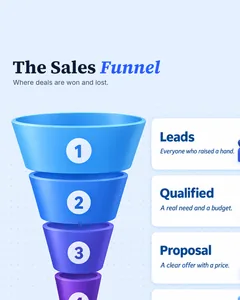
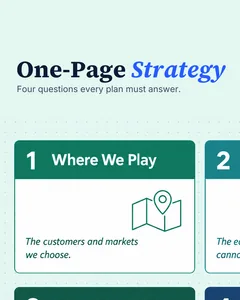
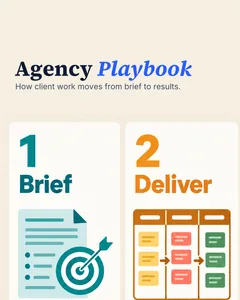
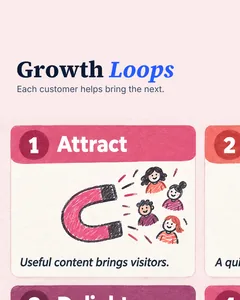
This is what comes out
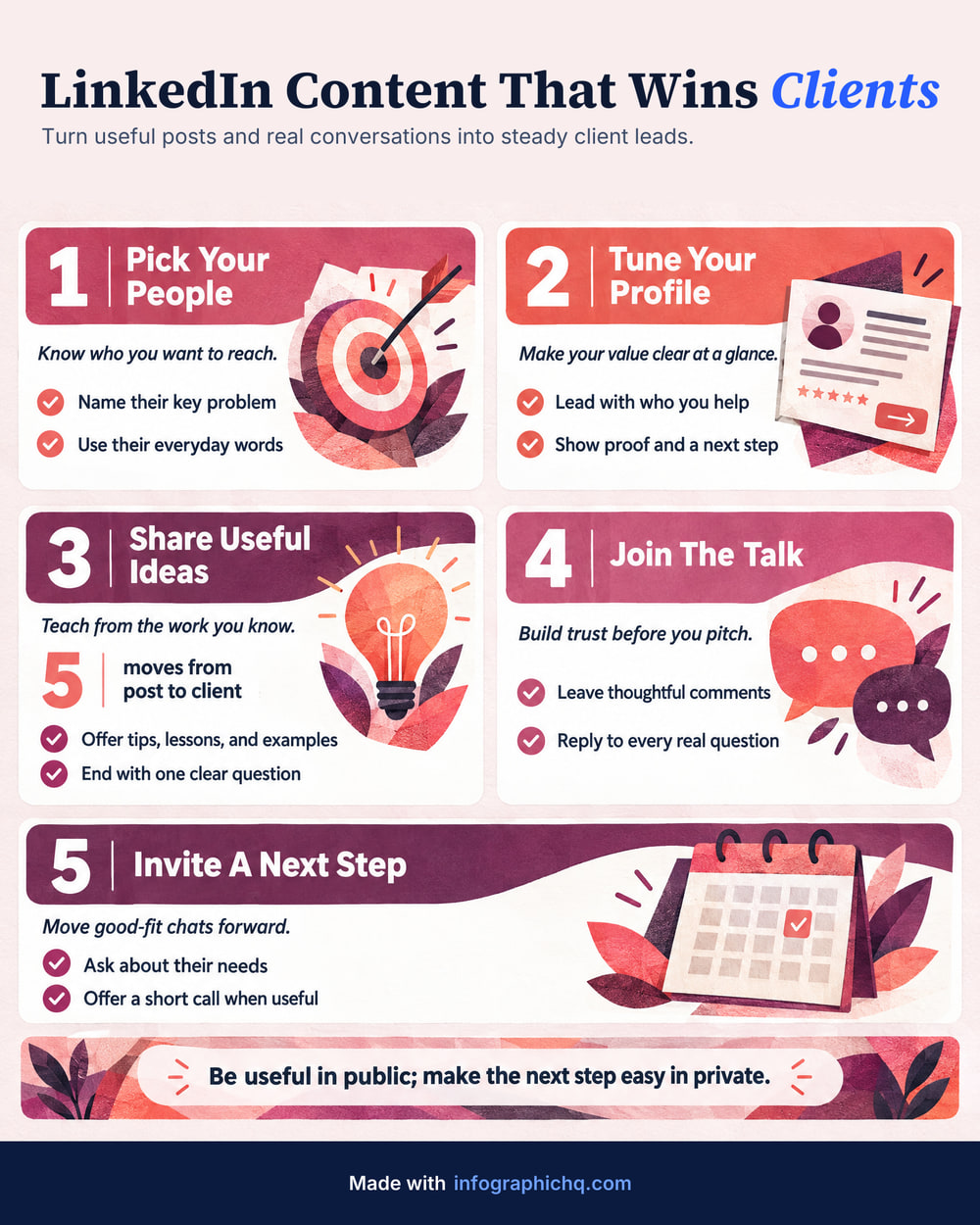
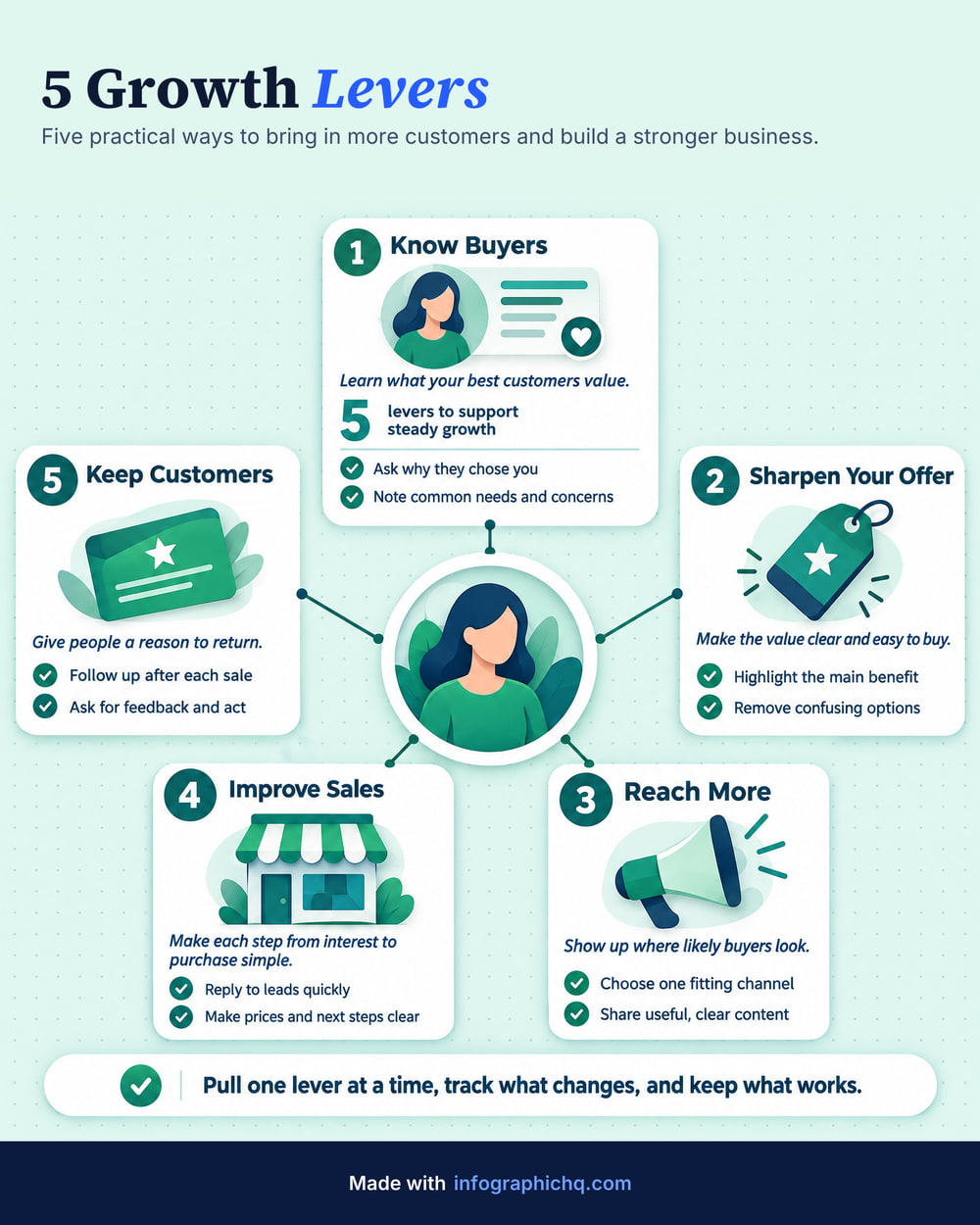
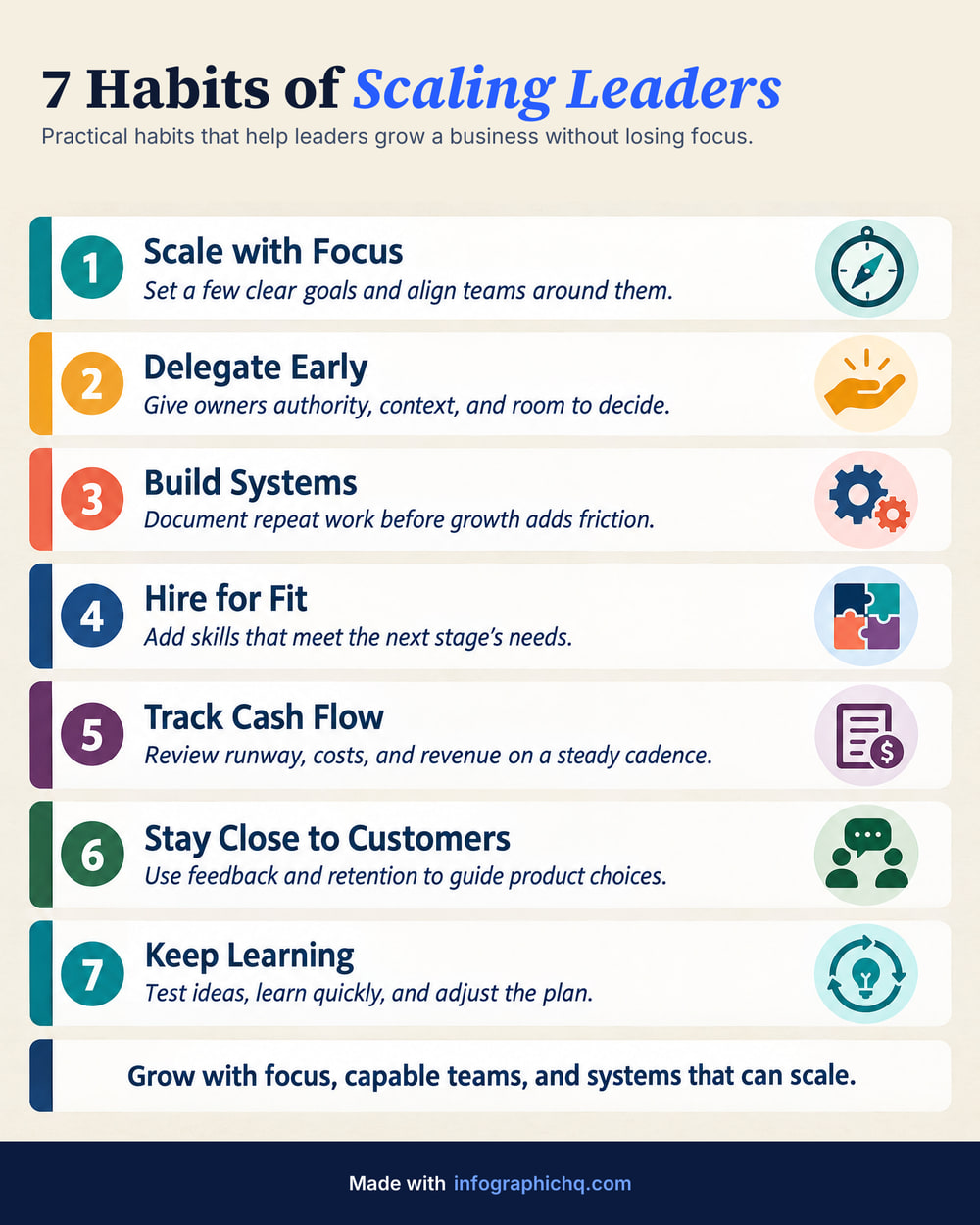
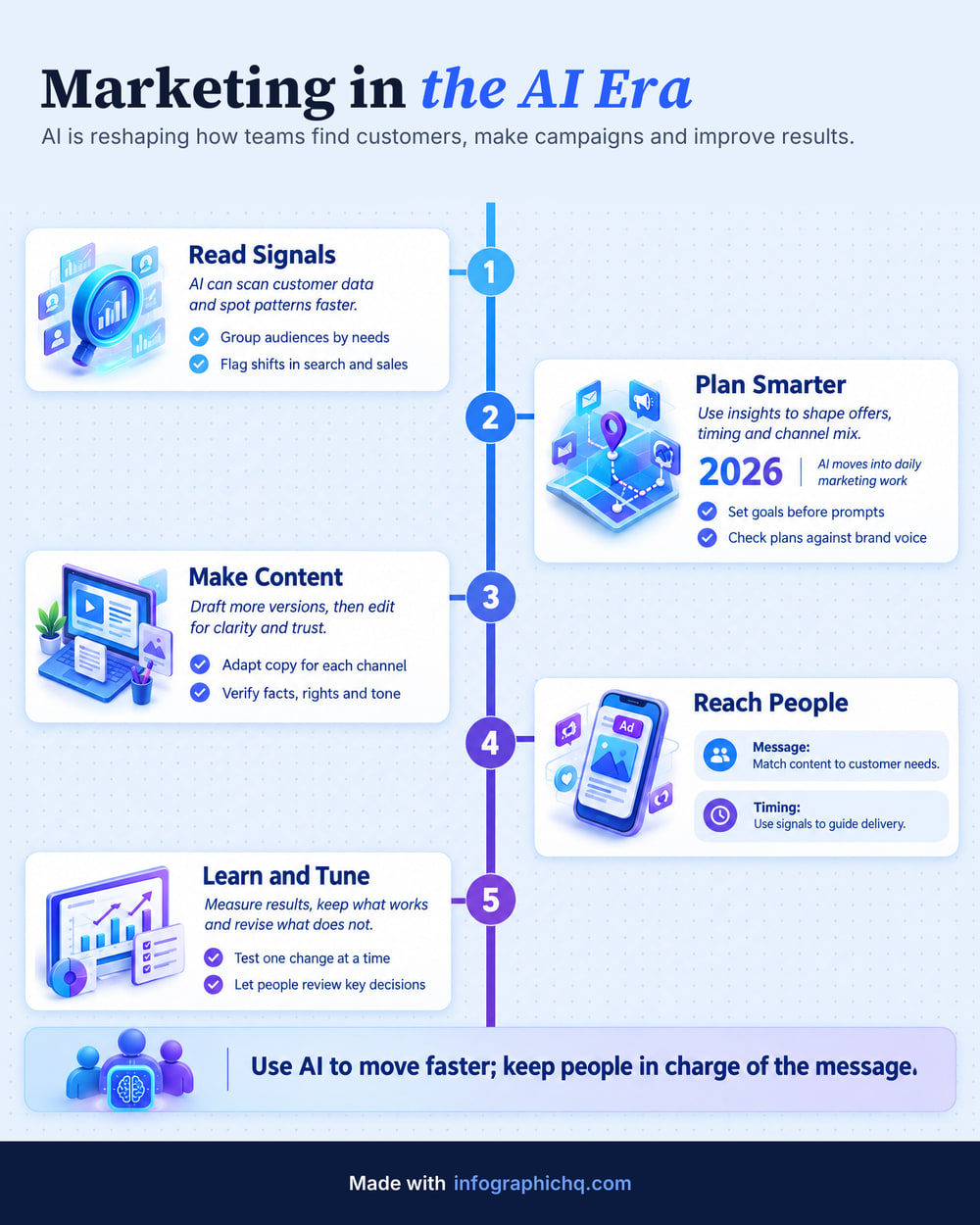
All made with InfographicHQ, down to the words. Open one full size and read it.


Made for people who post on LinkedIn: founders, consultants, marketers, agencies, small firms and coaches.
The alternatives
Why not just ask an AI chatbot?
A chatbot draws the words into the picture, so a spelling mistake can end up in it. InfographicHQ lets you check every word first, then proofreads the picture and redraws it at our cost if it finds a mistake.
An AI chatbot or doing it yourself
- Your logo pasted on by hand, every time
- A different look every time you ask
InfographicHQ
- Your title, logo and footer added by us, exact every time
- Your saved brand on every infographic
Customer stories
What customers say about InfographicHQ
“Replaced a $1500/mo agency. My content quality skyrocketed within days.”
“Topic to LinkedIn-ready infographic in minutes. No more apologising for my content.”
“A whole week's content in minutes. Everything was so easy and I am very happy.”
Your brand
Your brand, set up once
Save it once and it's on every infographic.
- Your logo under the title
- Your footer line, web address and icon
- Your colours and fonts
Your free one carries “Made with infographichq.com”. What goes in a brand kit
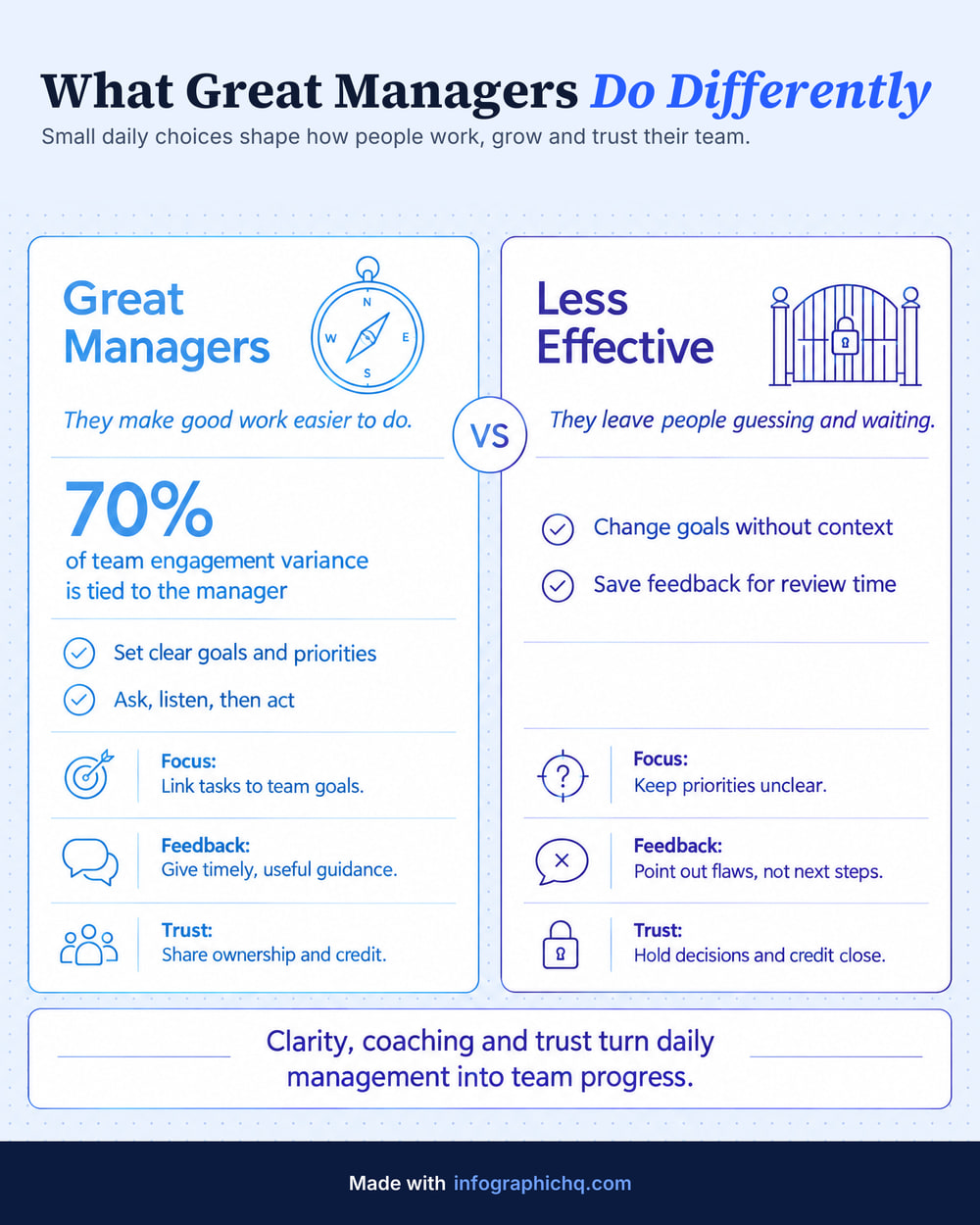
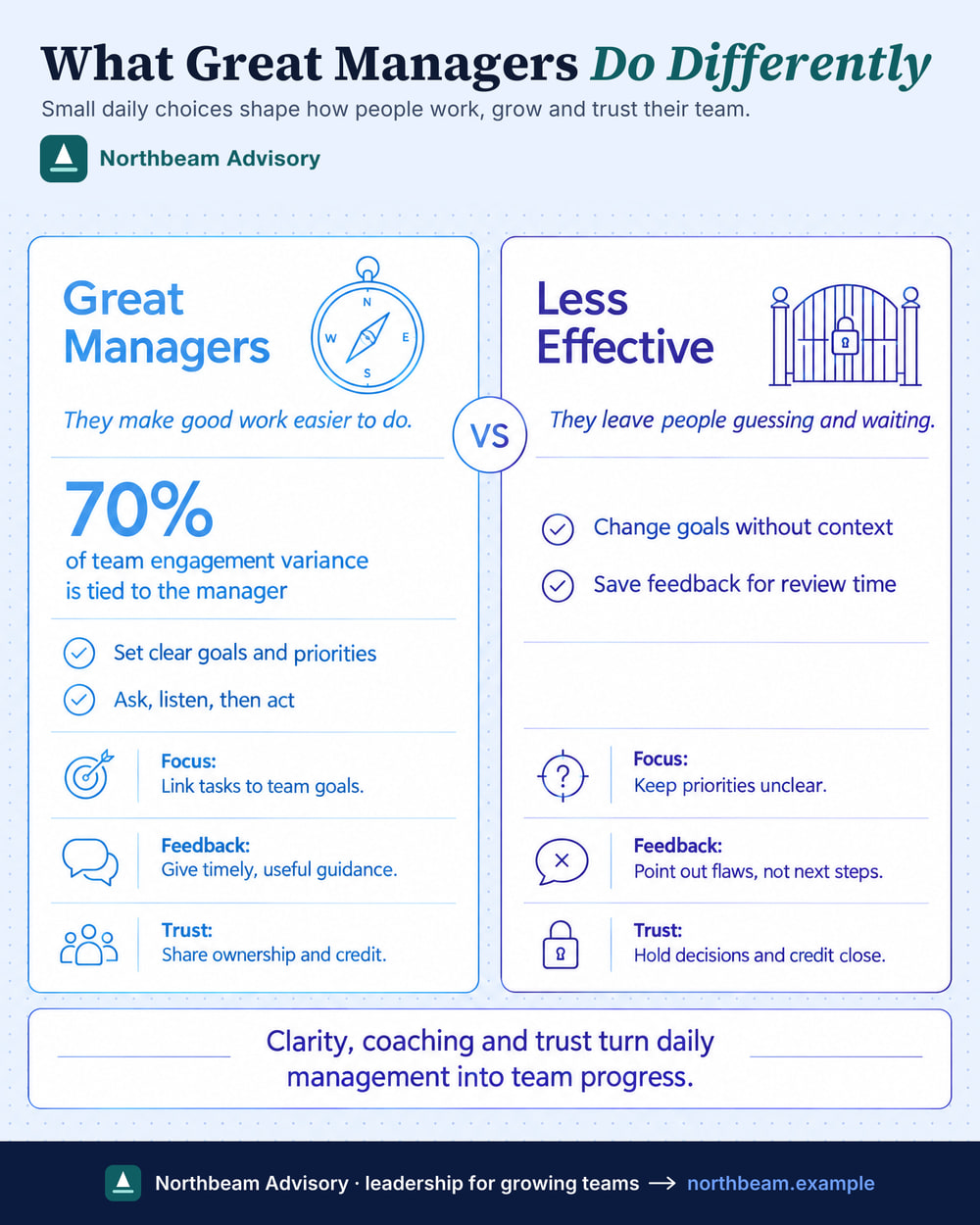
Northbeam Advisory is an example brand. Your logo and footer are added by us, not drawn, so they are always exact.
Pricing
One free. Then from $5/month.
No card needed for the free one. Cancel a plan any time.
Free
$0
1 infographic, yours to post. No watermark, with “Made with infographichq.com” in the footer.
Make my free infographicStarter
$5/month
10 infographics a month, 1 brand.
See what's includedBest valuePro
$20/month
50 infographics a month, 3 brands, 2 teammates, the Detailed length (up to 240 words) and LinkedIn carousels.
See what's included- Secure payment by Stripe
- What you type stays private
- Full size, no watermark on a plan
FAQ
Questions, answered
What is InfographicHQ?
InfographicHQ is an AI infographic maker for LinkedIn. It turns one sentence, your notes or an article into a finished infographic in about a minute, and you can check every word before it is drawn.
Is InfographicHQ free?
InfographicHQ's first infographic is free: one per person, with no card needed. It is yours to post: 1080 pixels wide, with no watermark and “Made with infographichq.com” in the footer. Any plan adds your own logo and footer and unlocks the full-size file.
Do I own the infographics I make?
Yes. Under our terms the infographics you make are yours, including for commercial use: social posts, websites, slides, print and client work. Terms of service
Can I use my own logo and colours?
Yes. Save your logo, footer, colours and fonts as a brand in InfographicHQ and they are on every infographic. Starter includes 1 brand and Pro includes 3. The free one carries “Made with infographichq.com”; your own logo and footer come with a plan.
Can I edit an infographic afterwards?
Not like a template. An InfographicHQ infographic is a finished image. You can check and change every word before it is drawn. Afterwards, changing the title is free, changing the brand redraws it for a credit, and on Pro you type what to change and we rewrite the words.
Do AI infographics have typos?
They can. No tool that draws its words with an image model can promise perfect spelling, so InfographicHQ checks every infographic. You can read and change the words first, and each one is proofread automatically. If the check finds a mistake, we draw it again at our cost; if one remains, the redo is free on any plan. Your title, logo and footer are added by us, not drawn, so they are always exact.
How long does it take to make an infographic?
About a minute. InfographicHQ writes the words while you pick a style, and you can check them before anything is drawn.
What can I make an infographic from?
A topic of a few words, your notes, a LinkedIn post or a pasted article, up to 24,000 characters (about 4,000 words). On the free form and in the app, InfographicHQ also reads a PDF, Word or PowerPoint file in your browser. Signed in, it reads a link to a public page. On a plan you can add a chart: up to 6 of your own numbers, drawn exactly as bars, a donut or progress bars, in your colours, on Portrait. How to turn a PDF into an infographic
How many words fit on an infographic?
You choose the length in InfographicHQ: Short (20 to 70 words), Standard (80 to 170) or Detailed (170 to 240, on Pro). The title and subtitle are extra. How many words should an infographic have?
What size is the infographic?
On a plan, an InfographicHQ infographic is Portrait 4:5 at 1568 x 1960 pixels, the tallest shape LinkedIn shows without cropping, or Wide 16:9 (1920 x 1080) for slides and newsletters, or Square 1:1 (1568 x 1568). The free one is 1080 pixels wide. Downloads are JPG or PNG, and are marked as AI-made in their file metadata. LinkedIn infographic sizes
Does InfographicHQ make LinkedIn carousels?
Yes, on the Pro plan. InfographicHQ turns a finished infographic into a LinkedIn carousel: a PDF of 1080 x 1350 slides, with the infographic first, a slide for each card and a closing slide, in your brand, ready to upload as a document post. It uses no credit. Carousel or single infographic?
How much does InfographicHQ cost?
InfographicHQ costs $5 a month for 10 infographics on Starter, or $20 a month for 50 on Pro. Your first infographic is free. Unused ones don't roll over, and you can cancel any time. InfographicHQ pricing
Can I get a refund?
Yes, within 14 days of a payment if you haven't used any of its credits. A first plan payment that unlocked your free infographic counts as used. Refund terms
Is what I type private?
Your infographics are visible only to you, unless you share a link. Your text goes to the AI services that write and draw them, and InfographicHQ does not use it to train models. Privacy policy
InfographicHQ at a glance
| What it is | An AI infographic maker for LinkedIn |
|---|---|
| Made for | Founders, consultants, marketers, agencies, small firms and coaches who post on LinkedIn |
| You give it | One sentence, your notes or an article (up to 24,000 characters). On the free form and in the app, a PDF, Word or PowerPoint file |
| You get | A finished infographic with your title, logo and footer, as a JPG or PNG |
| Time | About a minute |
| Size | On a plan: Portrait 4:5, 1568 x 1960 pixels, or Wide 16:9 (1920 x 1080) or Square 1:1 (1568 x 1568). The free one is 1080 pixels wide |
| Words | Short 20 to 70, Standard 80 to 170, Detailed 170 to 240 (Pro) |
| Price | First one free: no watermark, 1080 px wide. Starter $5 a month for 10. Pro $20 a month for 50 |
Got something to explain?
Your first infographic is free and ready in about a minute. No card needed.
Make my free infographic