LinkedIn infographic and carousel size, 2026
By the InfographicHQ team · · Updated
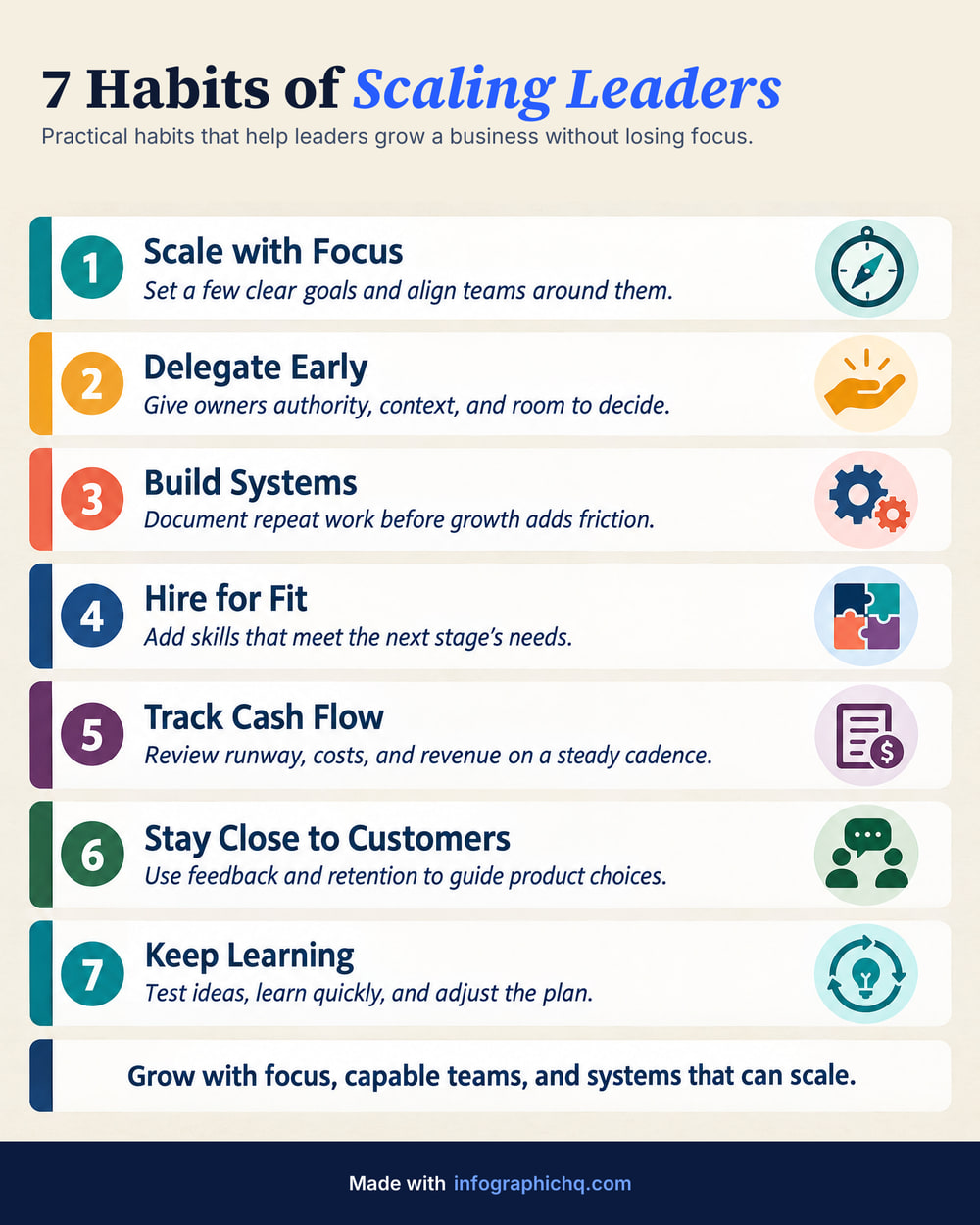
Make a LinkedIn infographic as a 4:5 portrait image, 1080 pixels wide or more. LinkedIn's help centre says: "The photo's aspect ratio can range from 3:1 to 4:5 (width:height). If the ratio is larger, the image will be centered and cropped to fit the max ratio." InfographicHQ makes its LinkedIn infographics at 4:5, 1568 x 1960 pixels.
LinkedIn's help pages were read on 8 October 2026. LinkedIn showed its photo page as last updated 2 years ago, its documents page 3 years ago and its media file types page 2 weeks ago. Each figure below names the page it comes from.
What size should a LinkedIn infographic be?
Make a LinkedIn infographic 4:5, 1080 pixels wide or more, and no larger than 5 MB. That is our advice, built on LinkedIn's photo help page: 4:5 is the tall end of the range it allows, 1080 pixels is the width it recommends, and 5 MB is its upload limit.
| Limit | LinkedIn says | LinkedIn Help page |
|---|---|---|
| Aspect ratio | 3:1 to 4:5 (width:height). "If the ratio is larger, the image will be centered and cropped to fit the max ratio." | Share photos on LinkedIn |
| Size in pixels | At least 552 x 276. 1080 wide recommended | Share photos on LinkedIn |
| Photo upload size | "The size limit for an upload is 5 MB." | Share photos on LinkedIn |
| Media file size | "The file size cannot exceed 100 MB." | Media file types supported on LinkedIn |
| Photos in one post | Up to 20 | Share photos on LinkedIn |
| Image file types | GIF, JPEG, PNG and WEBP on desktop, iOS and Android. HEIF/HEIC on iOS only | Media file types supported on LinkedIn |
| Resolution | Up to 36 megapixels | Media file types supported on LinkedIn |


What is the LinkedIn carousel size?
A LinkedIn carousel is a document post, usually a PDF. LinkedIn limits the file, not the page: 100 MB and 300 pages. Its document help page lists no page size in pixels. InfographicHQ makes carousel slides at 1080 x 1350 pixels, which is 4:5.
| Limit | LinkedIn says | LinkedIn Help page |
|---|---|---|
| File size | 100 MB | Upload and share documents on LinkedIn |
| Pages | 300 | Upload and share documents on LinkedIn |
| Document file types | PPT, PPTX, DOC, DOCX, PDF | Upload and share documents on LinkedIn |
| After posting | The document cannot be changed or edited | Upload and share documents on LinkedIn |
| Page sizes | "PDFs with multiple sized pages must be fit to the same page size." | Upload and share documents on LinkedIn |
How many pages can a LinkedIn carousel have?
LinkedIn allows up to 300 pages in a document post. An InfographicHQ carousel has up to 12 slides: the infographic, a slide for each card and a closing slide. Starting with a title page makes 13.
What aspect ratio does LinkedIn crop images to?
LinkedIn says a photo's aspect ratio can range from 3:1 to 4:5 (width:height), and: "If the ratio is larger, the image will be centered and cropped to fit the max ratio." A 4:5 image sits at the tall end of that range. In a post with several photos, LinkedIn says: "Images will render a max ratio of 4:5 (e.g., 640 (w) x 800 (h) pixels) and the post will have a greater visual emphasis on the first image."
JPG or PNG for LinkedIn?
LinkedIn's media page lists both JPEG and PNG. Its photo page sets a 5 MB upload limit, and a JPG is the smaller file. InfographicHQ downloads as either.
Sizes InfographicHQ makes
InfographicHQ makes three image shapes and one carousel slide. All three shapes sit inside LinkedIn's 3:1 to 4:5 range.
| Format | Pixels | Plan |
|---|---|---|
| Portrait 4:5 | 1568 x 1960 | Every plan. The free one is 1080 pixels wide |
| Wide 16:9 | 1920 x 1080 | Paid plans |
| Square 1:1 | 1568 x 1568 | Paid plans |
| Carousel slide 4:5 | 1080 x 1350 | Pro plan |
Downloads are JPG or PNG.
How InfographicHQ handles the size
InfographicHQ is an AI infographic maker for LinkedIn. It draws every infographic at 4:5 unless you choose Wide or Square on a paid plan, so there is nothing to resize. Your first one is free.
Read more: LinkedIn carousel vs single infographic. You can see finished examples, or make your first infographic free.
Common questions
What is the best LinkedIn post image size?
Our advice for a tall image is 4:5 at 1080 pixels wide or more. 1080 x 1350 is the smallest 4:5 size at LinkedIn's recommended width. InfographicHQ uses 1568 x 1960.
What is the maximum file size for a LinkedIn image?
LinkedIn's photo help page says: "The size limit for an upload is 5 MB." Its media file types page says a file cannot exceed 100 MB. Keep a photo under 5 MB to be safe. A document post can be up to 100 MB.