How to turn a PDF into an infographic
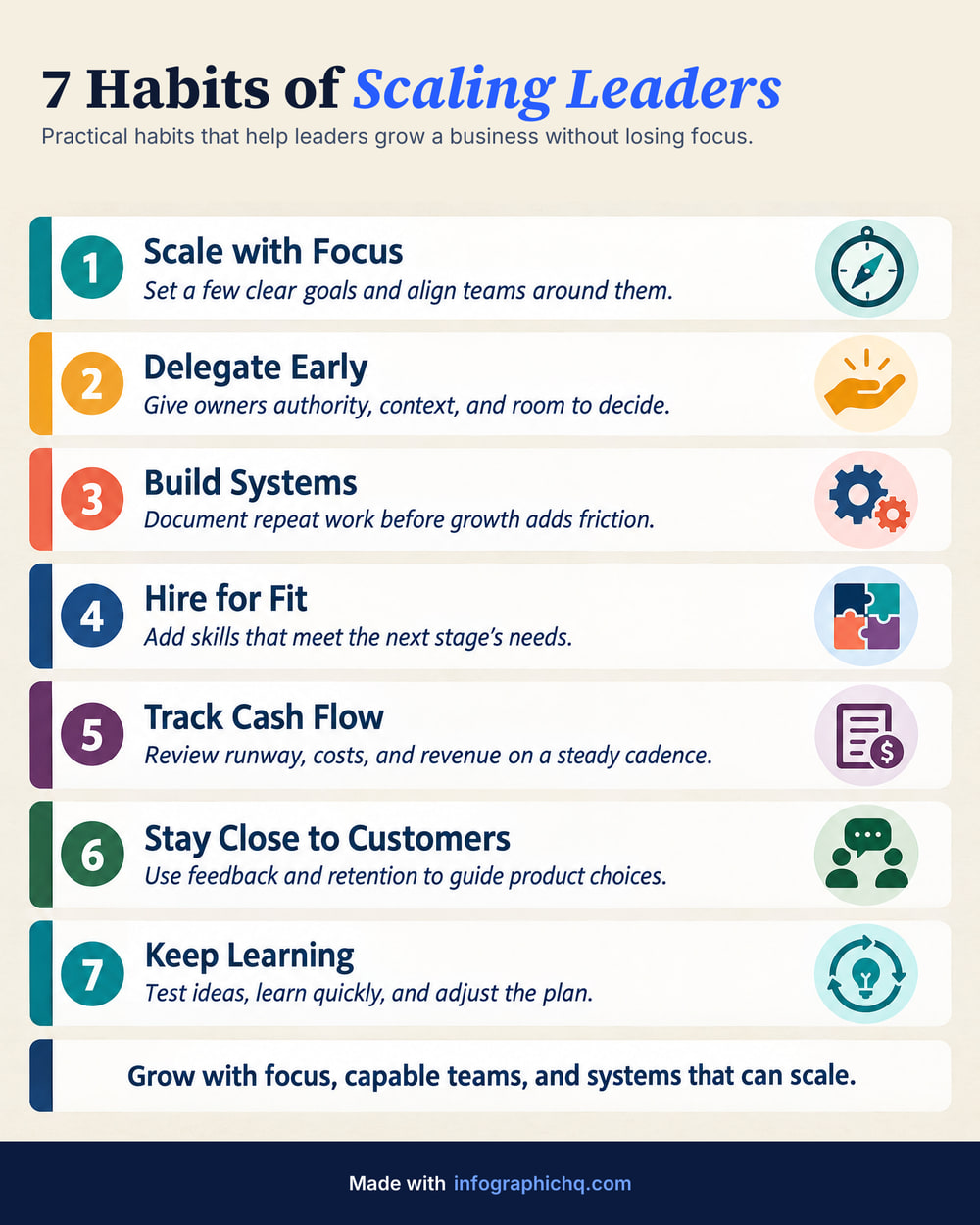
To turn a PDF into an infographic, give InfographicHQ the file. It reads the text of a PDF, Word or PowerPoint file in your browser, writes a short version of 80 to 170 words, and draws a finished 4:5 infographic in about a minute. You can check and change every word first.
The five steps
- Open the free form and pick the file. Under its topic box, choose "Or upload a PDF, Word or PowerPoint file". Signed in, choose Upload, then File.
- Check the text that lands in the box. Cut it to the part you want.
- Pick a style, or let InfographicHQ choose.
- Check the words InfographicHQ writes. Change any of them.
- Get your infographic, proofread and ready in about a minute.


Can I upload a PDF, Word or PowerPoint file?
Yes. On the free form and in the app, InfographicHQ reads a PDF, a Word file (.docx) or a PowerPoint file (.pptx), up to 60 MB.
| File | Read? | Note |
|---|---|---|
| PDF with text in it | Yes | Up to 60 MB |
| Word (.docx) | Yes | Up to 60 MB |
| PowerPoint (.pptx) | Yes | The text on the slides. Up to 60 MB |
| Scanned PDF | No | It holds pictures of pages, not text. Paste the text instead |
| PDF with a password | No | Remove the password, or paste the text |
| Older .doc or .ppt | No | Save it as .docx or .pptx, or paste the text |
What happens to your file
The file is read in your browser and is not uploaded. Only the text it holds goes into the topic box. From there it is treated exactly like pasted text: when you go on, it is sent to the AI service that writes and draws your infographic. InfographicHQ does not use it to train models. The details are in the privacy policy.
How much of the document is used
Up to 24,000 characters, about 4,000 words. A longer document keeps its first part. An infographic holds about 170 words, so cut the text to the one section that has a shape: a list, a process or a comparison. Read more: How to turn a blog post into an infographic.
Charts and pictures are not copied
InfographicHQ reads text only. On a paid plan you can add a simple chart by typing up to 6 of your own numbers.
How do I make a LinkedIn carousel from a PDF?
A PDF is already what LinkedIn shows as a carousel: upload it as a document post. To turn a long PDF into a short carousel, make an infographic from its text with InfographicHQ, then, on the Pro plan, download it as a LinkedIn carousel with a slide for each card.
Read more: LinkedIn carousel vs single infographic.
Common questions
Is there a free PDF to infographic tool?
Your first InfographicHQ infographic is free, and the free form reads a PDF, Word or PowerPoint file.