Adobe Express alternative for LinkedIn infographics InfographicHQ vs Adobe Express
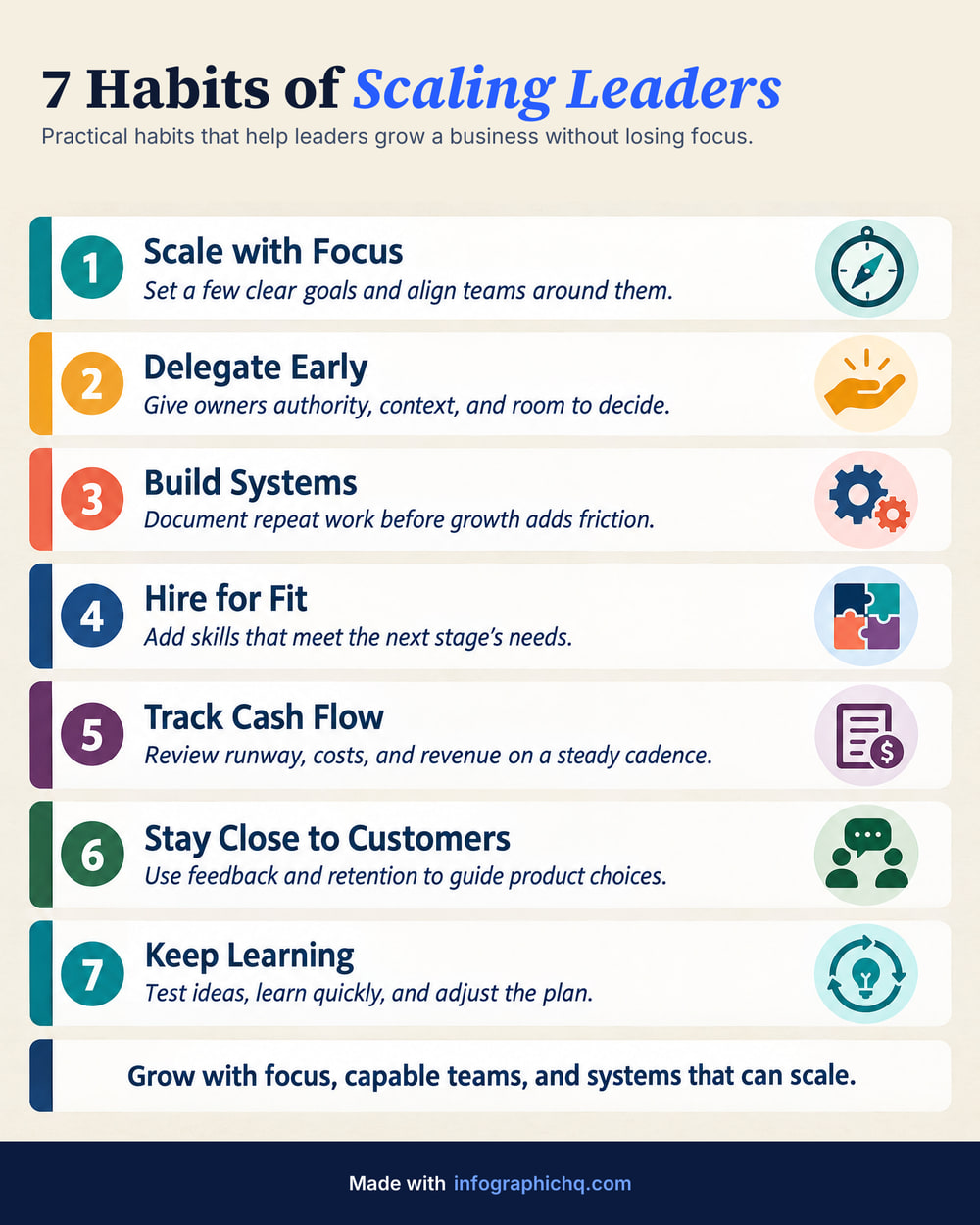
Adobe Express is Adobe's design app for social posts, video and documents, with templates and Firefly generative AI. InfographicHQ is an AI infographic maker for LinkedIn: it writes, draws and proofreads one finished infographic in about a minute.
When is Adobe Express the better choice?
Adobe Express is the better choice when you already work in Adobe apps or make video too.
- You already use Photoshop, Illustrator or other Adobe apps and want your designs to work with them.
- You make video and social posts as well as images, and want to schedule them from the same place.
- You want a GIF or PPT, or a PDF of the design.
When is InfographicHQ the better choice?
InfographicHQ is an Adobe Express alternative for people who want the infographic written, drawn and proofread for them.
InfographicHQ needs no design app. Type a topic or paste your notes and it writes the words and chooses a layout, and the picture is drawn in about a minute. You can change every word before it is drawn.
InfographicHQ proofreads every infographic against its words after it is drawn. If the check finds a mistake, it is redrawn at no cost to you.
InfographicHQ adds your logo, footer and web address with code, from a brand you save once. They are not drawn by the image model, so they are exact every time.
InfographicHQ vs Adobe Express, side by side
Compare them point by point
| InfographicHQ | Adobe Express | |
|---|---|---|
| Price | InfographicHQ Starter $5 a month for 10 infographics, Pro $20 a month for 50 InfographicHQ pricing | Adobe Express See their site |
| Free tier | InfographicHQ Your first infographic, no card needed: 1080 pixels wide with no watermark, yours to post | Adobe Express Free plan, no payment card required, with free daily AI generations and 5GB of storage As of , Adobe Express pricing page |
| Your logo and brand | InfographicHQ Your logo, footer and web address added exactly by our code, from a saved brand (1 brand on Starter, 3 on Pro) | Adobe Express Brand kits with your colours, fonts, logos and graphics on Premium As of , Adobe Express pricing page |
| Checking the words | InfographicHQ You can read and change every word first, and every infographic is proofread after. A mistake the check finds is redrawn at our cost | Adobe Express A spellchecker in the editor: right-click red underlined text and choose a correction As of , Adobe help page |
| Size and format | InfographicHQ Portrait 4:5 at 1568 x 1960 pixels, the tallest shape LinkedIn shows without cropping. On a paid plan also Wide 16:9 (1920 x 1080) or Square 1:1 (1568 x 1568). JPG or PNG, and a LinkedIn carousel PDF on Pro. | Adobe Express Export as JPEG, PNG, PDF, GIF or PPT on every plan; one-click Resize for several formats on Premium As of , Adobe Express pricing page |
InfographicHQ plans are billed monthly. Cancel any time. Adobe Express's column is from their own pricing and help pages on the dates shown.
Also compared: ChatGPT, Canva, Napkin, Gamma, Venngage, Piktochart, Visme · All comparisons
Turn your topic into a finished infographic.
Get your free infographic
Yours to post on LinkedIn, with no watermark.