Napkin AI alternative for LinkedIn infographics InfographicHQ vs Napkin
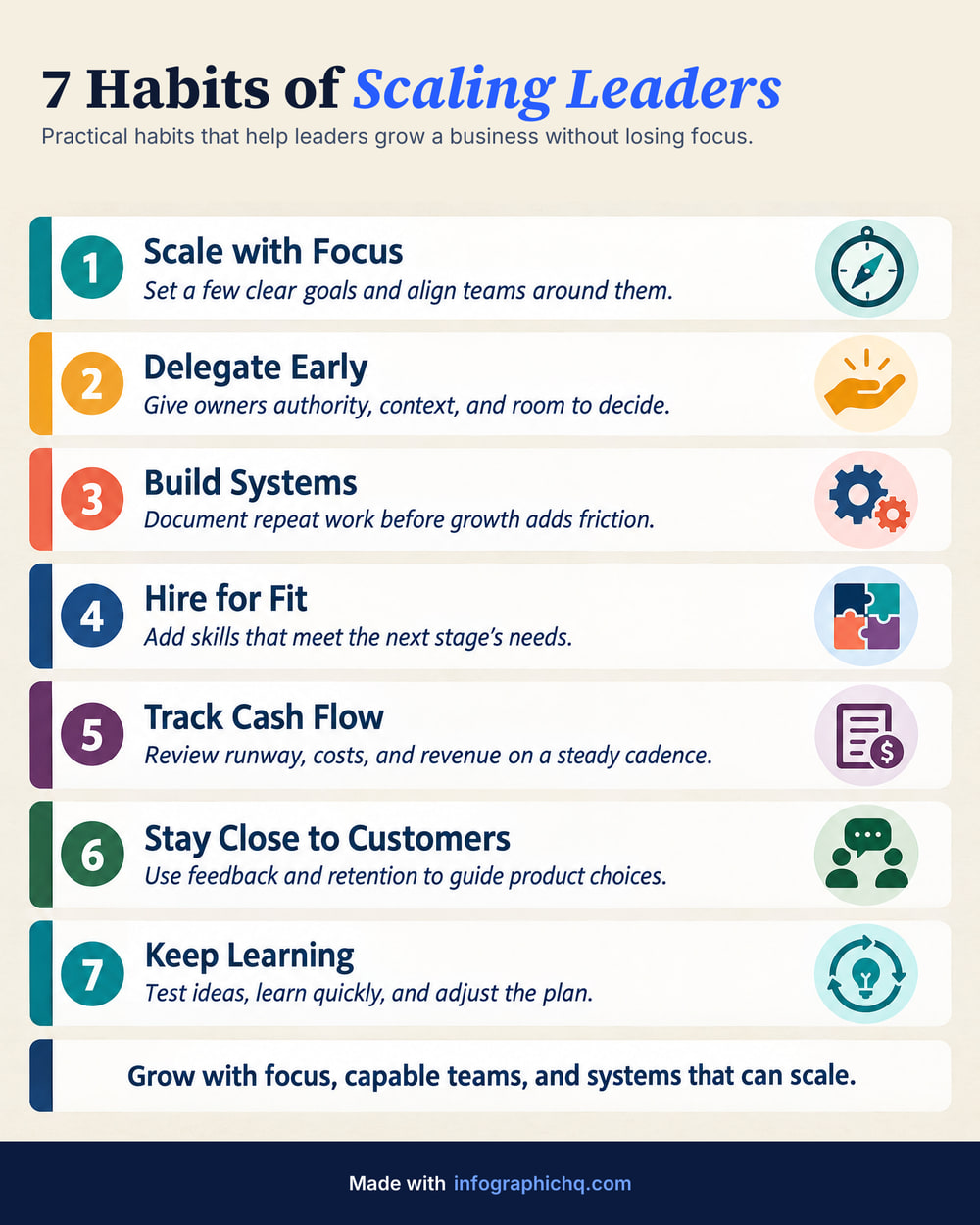
Napkin, also called Napkin AI, turns the text in a document into diagrams you edit. InfographicHQ is an AI infographic maker for LinkedIn: one topic in, one finished, illustrated infographic with your logo out, in about a minute.
When is Napkin the better choice?
Napkin is the better choice when you want an editable diagram for part of a document.
- You want diagrams, flowcharts or mind maps that you keep editing.
- You need a visual for one passage of a document, not a whole post.
- You need PPT or SVG files for a deck, which are on its Plus and Pro plans.
When is InfographicHQ the better choice?
InfographicHQ is a Napkin alternative for people who want one complete, illustrated infographic to post.
InfographicHQ makes one complete infographic: a title, illustrated cards and your footer, in Portrait 4:5, the tallest shape LinkedIn shows without cropping. A paid plan adds Wide 16:9 and Square 1:1.
InfographicHQ lets you read and change every word before it is drawn, and proofreads every infographic after. If the check finds a mistake, it is redrawn at no cost to you.
InfographicHQ adds your logo and footer exactly, on every one, from a brand you save once.
InfographicHQ vs Napkin, side by side
InfographicHQ is $5 a month for 10 infographics or $20 for 50. Napkin Plus is $12 and Pro is $30 per person a month (as of 2 Oct 2026). Both have a free tier.
Compare them point by point
| InfographicHQ | Napkin | |
|---|---|---|
| Price | InfographicHQ Starter $5 a month for 10 infographics, Pro $20 a month for 50 InfographicHQ pricing | Napkin Plus $12 and Pro $30 per person a month, or $9 and $22 a month paid yearly As of , Napkin pricing page |
| Free tier | InfographicHQ Your first infographic, no card needed: 1080 pixels wide with no watermark, yours to post | Napkin 500 AI credits a week and unlimited PNG and PDF export, with Napkin branding on visuals As of , Napkin pricing page |
| Your logo and brand | InfographicHQ Your logo, footer and web address added exactly by our code, from a saved brand (1 brand on Starter, 3 on Pro) | Napkin Napkin branding removed and 3 brand styles on Plus; unlimited custom branding and your own fonts on Pro As of , Napkin pricing page |
| Checking the words | InfographicHQ You can read and change every word first, and every infographic is proofread after. A mistake the check finds is redrawn at our cost | Napkin Visuals are made from the text in your Napkin document, pasted in or written with their AI As of , Napkin help centre |
| Size and format | InfographicHQ Portrait 4:5 at 1568 x 1960 pixels, the tallest shape LinkedIn shows without cropping. On a paid plan also Wide 16:9 (1920 x 1080) or Square 1:1 (1568 x 1568). JPG or PNG, and a LinkedIn carousel PDF on Pro. | Napkin PNG and PDF export on Free; PPT and SVG as well on Plus and Pro As of , Napkin pricing page |
InfographicHQ plans are billed monthly. Cancel any time. Napkin's column is from their own pricing and help pages on the dates shown.
Does the free version add a watermark?
Napkin's free plan puts Napkin branding on visuals and its Plus plan removes it (as of 2 Oct 2026). InfographicHQ's free infographic is 1080 pixels wide with no watermark, yours to post. It carries our footer line.
Also compared: ChatGPT, Canva, Gamma, Venngage, Piktochart, Visme, Adobe Express · All comparisons
Turn your topic into a finished infographic.
Get your free infographic
Yours to post on LinkedIn, with no watermark.