Canva alternative for LinkedIn infographics InfographicHQ vs Canva
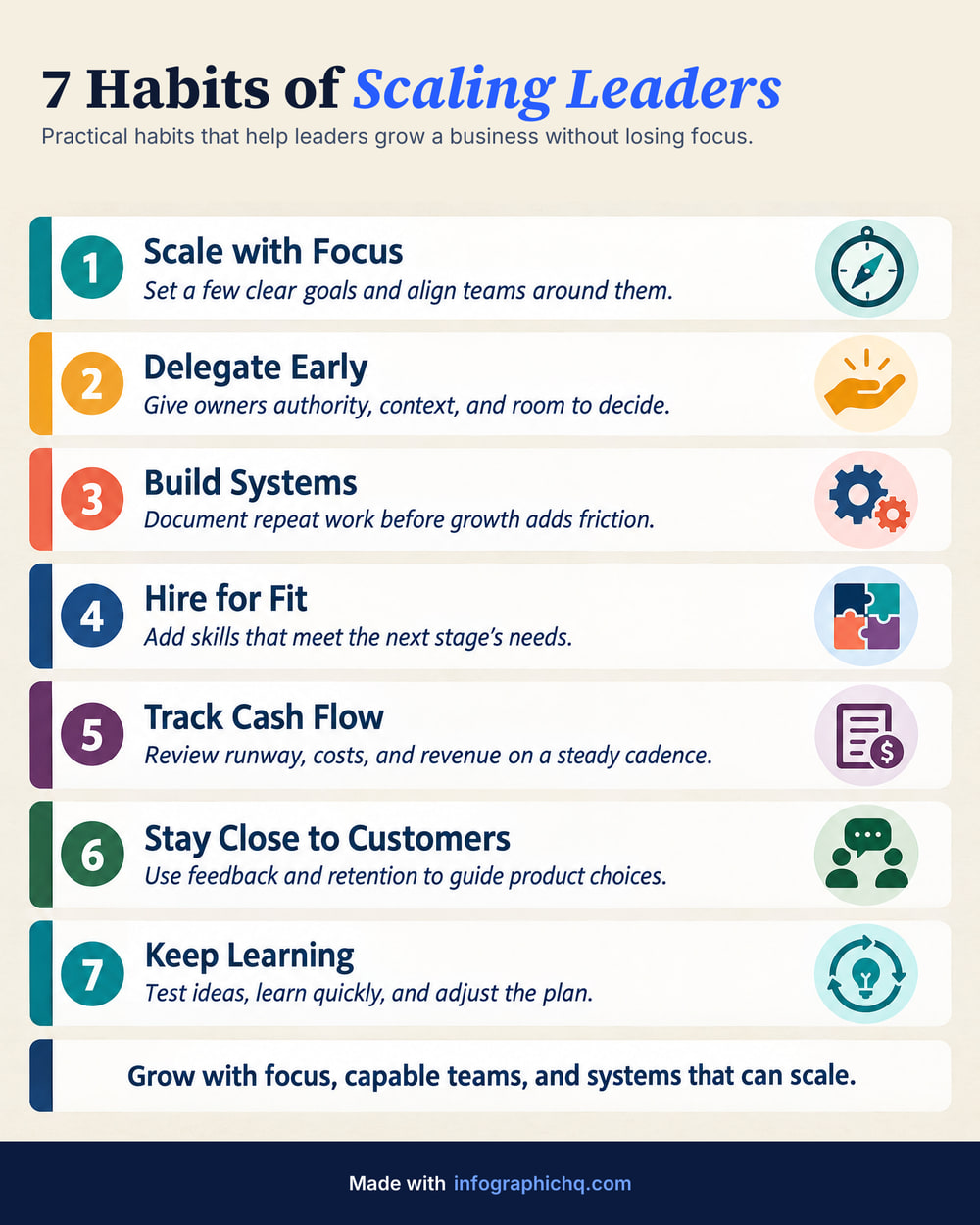
Canva is a drag-and-drop design editor with templates and AI tools. InfographicHQ is an AI infographic maker for LinkedIn: it writes and draws one finished infographic from your topic in about a minute.
When is Canva the better choice?
Canva is the better choice when you want to design it yourself.
- You want to place every element yourself in a drag-and-drop editor.
- You make many kinds of design, not only infographics: Canva's pricing page lists over 1,000 design types (as of 2 October 2026).
- You need a custom size, or a PDF of the design itself.
When is InfographicHQ the better choice?
InfographicHQ is a Canva alternative for people who want the infographic written and drawn for them.
InfographicHQ starts from a sentence. Type a topic or paste your notes and it writes the words and picks a layout. The picture is drawn in about a minute.
InfographicHQ lets you read and change every word before it is drawn. The finished image is proofread against those words, and redrawn at no cost to you if the check finds a mistake.
InfographicHQ adds your logo, footer and web address exactly, from a brand you save once: 1 brand on Starter, 3 on Pro.
InfographicHQ vs Canva, side by side
InfographicHQ is $5 a month for 10 infographics or $20 for 50. Canva Pro is US$18 a month or US$144 a year for one person (US prices, as of 2 Oct 2026). Both have a free tier.
Compare them point by point
| InfographicHQ | Canva | |
|---|---|---|
| Price | InfographicHQ Starter $5 a month for 10 infographics, Pro $20 a month for 50 InfographicHQ pricing | Canva Pro US$18 a month or US$144 a year for one person; Business US$25 a month per person (US prices) As of , Canva pricing page |
| Free tier | InfographicHQ Your first infographic, no card needed: 1080 pixels wide with no watermark, yours to post | Canva Free plan with up to 20 Standard or Premium AI uses As of , Canva pricing page |
| Your logo and brand | InfographicHQ Your logo, footer and web address added exactly by our code, from a saved brand (1 brand on Starter, 3 on Pro) | Canva 1 Brand Kit on Free (3 colours only), 5 on Pro As of , Canva pricing page |
| Checking the words | InfographicHQ You can read and change every word first, and every infographic is proofread after. A mistake the check finds is redrawn at our cost | Canva An AI proofreader in Magic Write: highlight text and choose Fix spelling As of , Canva proofreader page |
| Size and format | InfographicHQ Portrait 4:5 at 1568 x 1960 pixels, the tallest shape LinkedIn shows without cropping. On a paid plan also Wide 16:9 (1920 x 1080) or Square 1:1 (1568 x 1568). JPG or PNG, and a LinkedIn carousel PDF on Pro. | Canva Any custom size, exported as PDF, JPG or PNG on Free and Pro As of , Canva pricing page |
InfographicHQ plans are billed monthly. Cancel any time. Canva's column is from their own pricing and help pages on the dates shown.
Is InfographicHQ an editor like Canva?
No. InfographicHQ makes a finished image, not a layered template. You can check and change every word before it is drawn. After that the title can be changed free, and on the Pro plan you type what to change and the words are rewritten. Canva is the tool for moving elements around yourself.
Also compared: ChatGPT, Napkin, Gamma, Venngage, Piktochart, Visme, Adobe Express · All comparisons
Turn your topic into a finished infographic.
Get your free infographic
Yours to post on LinkedIn, with no watermark.