For coaches and advisors
Your method as a LinkedIn infographic
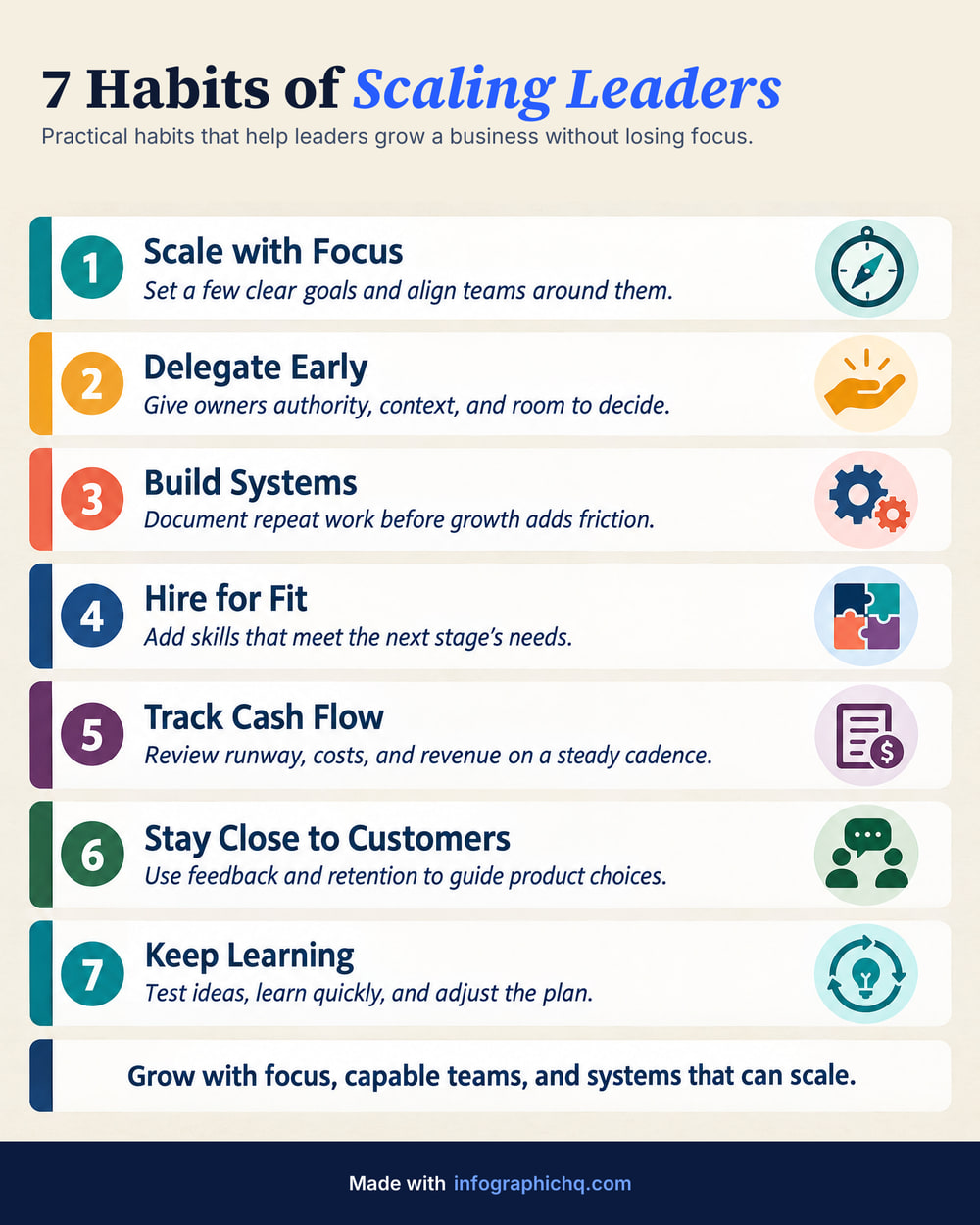
Your method helps people, and a one-pager is how it travels. InfographicHQ is an AI infographic maker that turns a coaching method into a one-page LinkedIn infographic in about a minute.
Your first one is free. No card needed.
Made with InfographicHQ
Each one from a single topic. Open one to read its words and make one like it.


What should a coach post on LinkedIn?
A coach can post a method as steps, a set of daily habits, a do and don't comparison, or a first 90 days plan. Each is one idea on one page. Pick one to start with it.
Three steps, about a minute: name the steps of your method, check every word, get your one-pager. See how it works.
Questions
Can I use my own words?
Yes. Paste your notes and InfographicHQ writes the infographic from them, or type a topic and it writes a first draft. Either way, you can change every word before anything is drawn.
Can I put my name and website on the infographic?
Yes. Save your logo and a footer line as a brand in InfographicHQ, and our code adds them to every infographic, exactly as you typed them. The free one carries “Made with infographichq.com”; your own logo and footer come with a plan.
Can I use the infographic as a client handout?
Yes. The infographics you make with InfographicHQ are yours under our terms, including for commercial use and print. A plan gives you the full-size file, 1568 x 1960 pixels.
Can I post it on Instagram too?
Yes. An InfographicHQ download is a JPG or PNG, and under our terms it is yours to post where you like. On a paid plan an infographic can also be Square 1:1, 1568 x 1568 pixels.
Read next: How to structure an infographic, LinkedIn carousel or single infographic, All 11 infographic examples. Compare InfographicHQ with 8 other tools
Also for: founders, consultants, marketers, agencies, small firms
Turn your topic into a finished infographic.
Get your free infographic
Yours to post on LinkedIn, with no watermark.