For consultants
Your framework as a LinkedIn infographic
Your framework is what clients hire you for. InfographicHQ is an AI infographic maker that puts a consulting framework on one page for LinkedIn in about a minute.
Your first one is free. No card needed.
Made with InfographicHQ
Each one from a single topic. Open one to read its words and make one like it.


The layout that fits your framework
Match the layout to the shape of the framework. Steps in order fit a Timeline. Levels that build on each other fit a Pyramid. Two or three options fit a Comparison. Parts around one idea fit a Hub.
Pick one and it goes in the box.
| Shape of the framework | Layout | Example made with InfographicHQ |
|---|---|---|
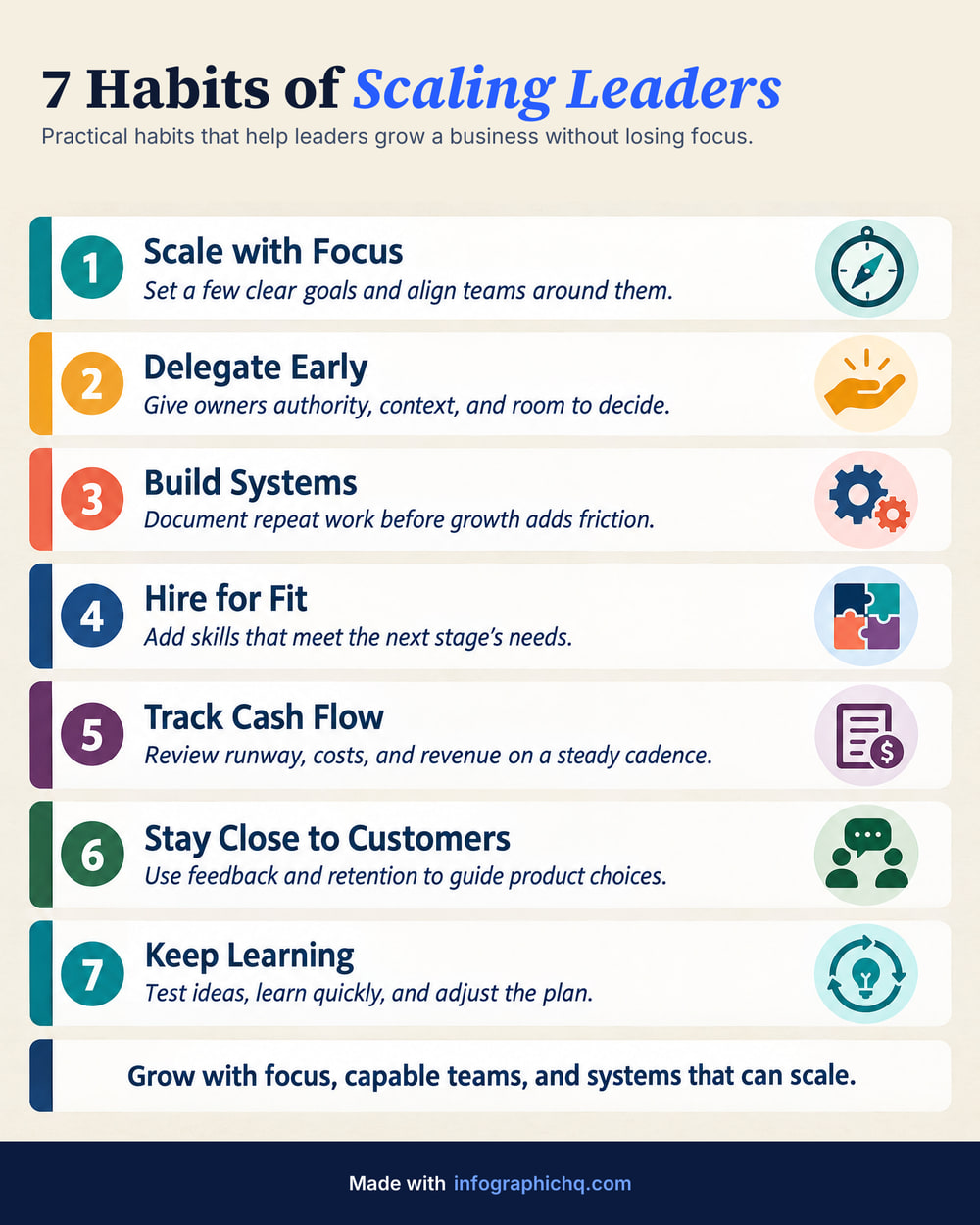
| A numbered method or checklist | Stacked | 7 Habits of Scaling Leaders |
| Steps or stages in order | Timeline | Marketing in the AI Era |
| Levels that build on each other | Pyramid | A 4-Step Project Price |
| Two or three options side by side | Comparison | What Great Managers Do Differently |
| Pillars or phases | Columns | One Blog Post, One Month of LinkedIn Posts |
| One idea with parts around it | Hub | 5 Growth Levers |
| A client journey or engagement plan | Roadmap | Onboarding a New Client |
| Types or groups of equal weight | Grid | LinkedIn Content That Wins Clients |
Open an example and press Make one like this to start from its layout. Or describe your own layout in a phrase.
How consultants make an infographic from notes, in 3 steps
- Name the framework or paste your notes. Up to 24,000 characters. On the free form and in the app you can also pick a PDF, Word or PowerPoint file.
- Check the words. InfographicHQ writes a short version: 80 to 170 words at Standard length. Change any word before anything is drawn.
- Post it or send it. A plan gives you the full-size JPG or PNG and a share link a client can open without an account.
Questions
Can I use the infographics in client work?
Yes. Under our terms the infographics you make with InfographicHQ are yours, including for commercial use: LinkedIn posts, proposals, slides, your website and client work.
Can a client review an infographic before I post it?
Yes, on a plan. Copy a share link from InfographicHQ and send it. The client views the infographic without an account, and the link works for 30 days or until you stop it.
Can I make one from my own notes or documents?
Yes. Paste your notes or the text of an article into InfographicHQ. On the free form and in the app you can also pick a PDF, Word or PowerPoint file, and once you're signed in you can give a link. On a paid plan you can add a simple chart from up to 6 of your own numbers.
Read next: Choosing an infographic layout, How to structure an infographic, How to turn a PDF into an infographic. Compare InfographicHQ with 8 other tools
Also for: founders, marketers, agencies, small firms, coaches
Turn your topic into a finished infographic.
Get your free infographic
Yours to post on LinkedIn, with no watermark.