For founders
Founder lessons as LinkedIn infographics
You have lessons worth sharing and no time to design them. InfographicHQ is an AI infographic maker that turns a founder's lessons into LinkedIn infographics in about a minute.
Your first one is free. No card needed.
Made with InfographicHQ
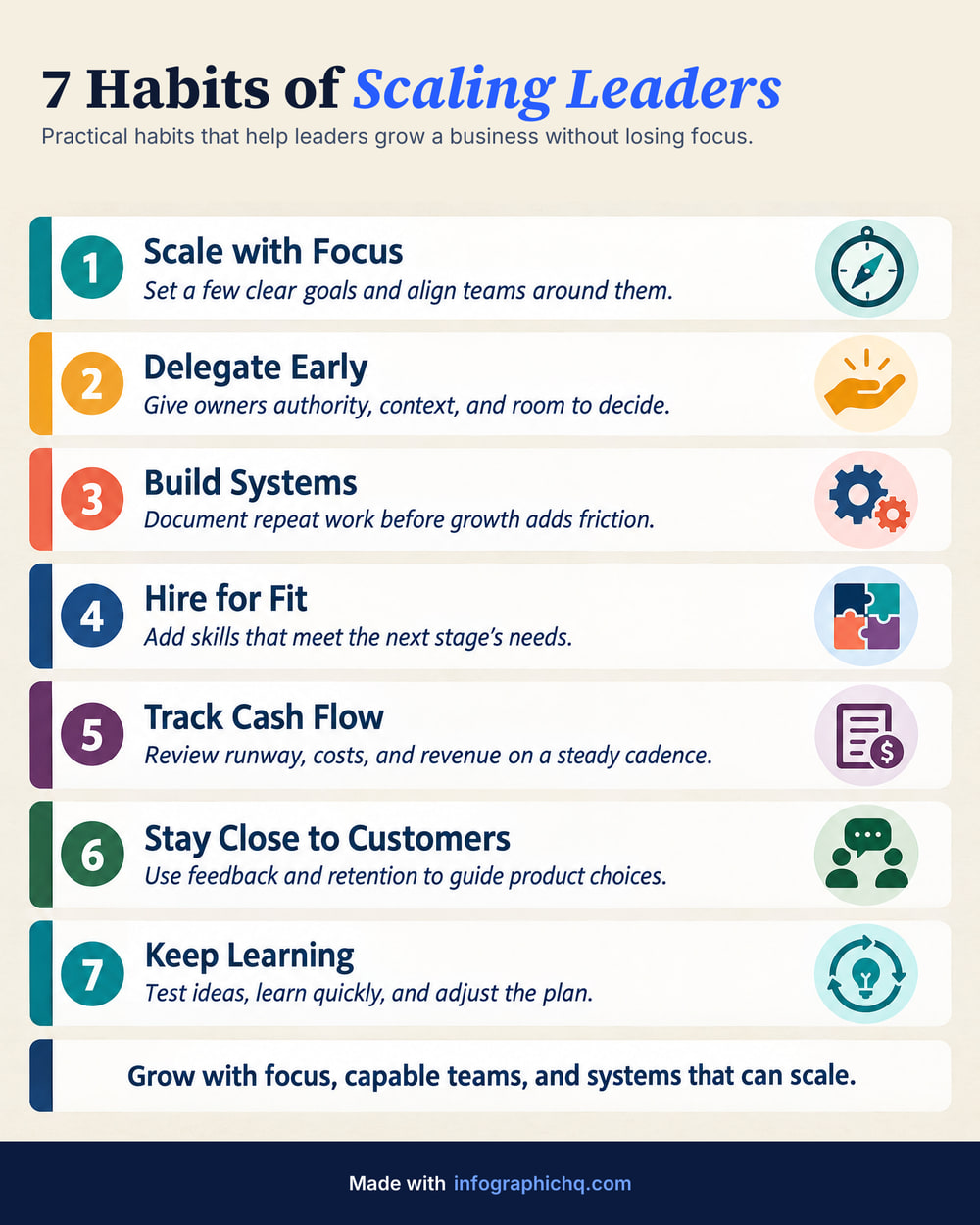
Three real examples, each from one typed topic. Open one to read its words and make one like it.


What should a founder post on LinkedIn?
A founder should post one lesson with a clear shape: a list of mistakes, the steps taken, a before and after, or a roadmap. Pick one to start with it.
Three steps, about a minute, no design skills needed: type a topic, check the words, get your infographic. See how it works.
InfographicHQ is $5 a month for 10 infographics, about two a week. The first one is free, with no card needed. InfographicHQ pricing
Questions
Can I show my company's numbers on an infographic?
Yes, on a paid plan. Add up to 6 of your own numbers and InfographicHQ draws them exactly as bars, a donut or progress bars, in your colours, on the Portrait format. It is a simple chart, not a charting tool.
Can my co-founder use the same account?
Yes, on Pro. Invite up to 2 teammates to your InfographicHQ account. They share its credits, brands and gallery. Billing stays with the account owner.
Can I use the infographic in a pitch deck or investor update?
Yes. The infographics you make with InfographicHQ are yours under our terms, including for commercial use. On a paid plan an infographic can also be Wide 16:9, 1920 x 1080 pixels, the shape of a slide.
Read next: How to structure an infographic, LinkedIn carousel or single infographic, All 11 infographic examples. Compare InfographicHQ with 8 other tools
Also for: consultants, marketers, agencies, small firms, coaches
Turn your topic into a finished infographic.
Get your free infographic
Yours to post on LinkedIn, with no watermark.