For marketers
Turn blog posts and campaigns into LinkedIn infographics
You already have the content. InfographicHQ is an AI infographic maker that turns a blog post, report or campaign brief into a LinkedIn infographic in about a minute.
Your first one is free. No card needed.
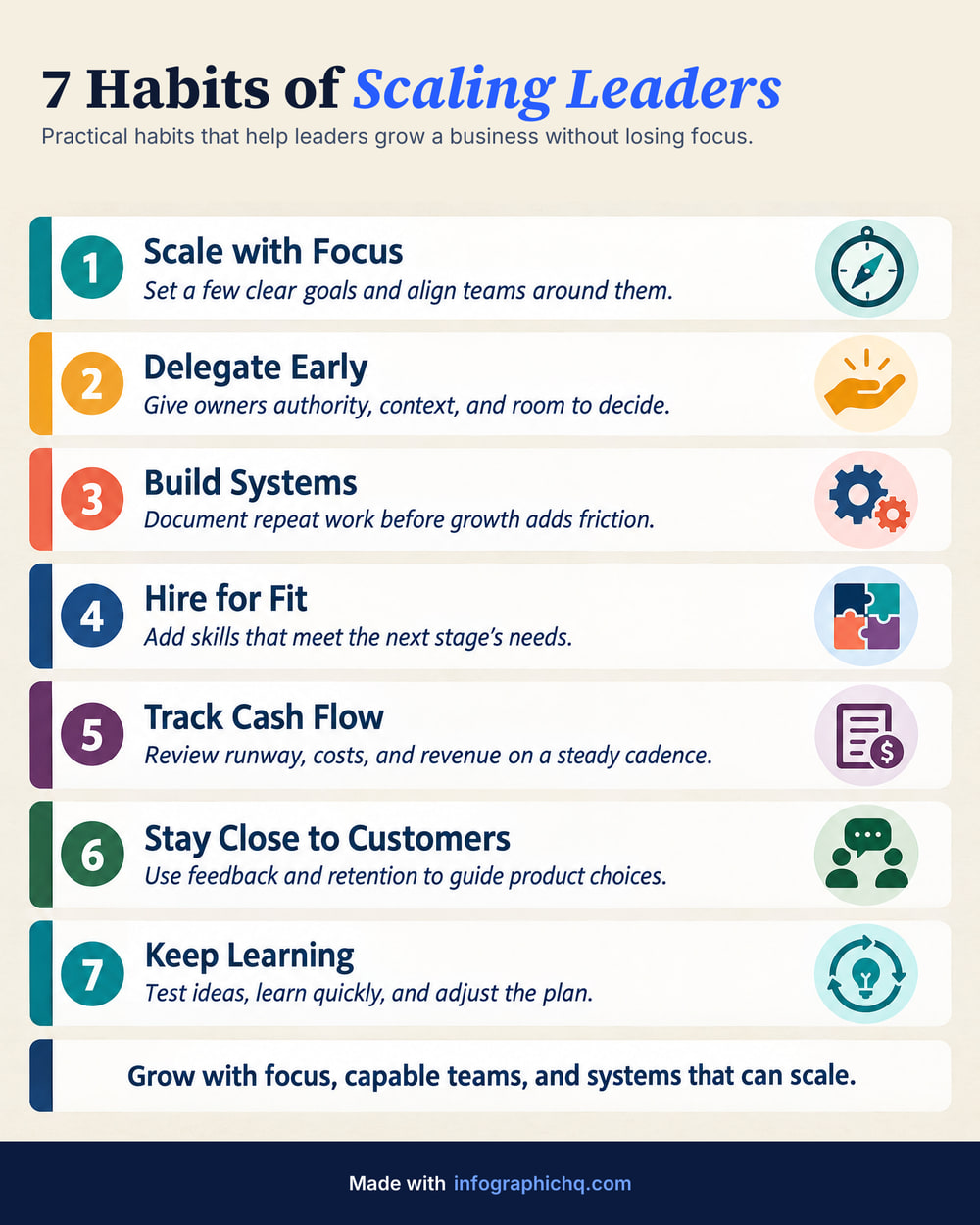
Made with InfographicHQ
Each one from a single topic. Open one to read its words and make one like it.


What you can turn into a LinkedIn infographic
Any written content can become a LinkedIn infographic: a blog post, a report summary, a campaign brief, webinar notes or survey results.
Pick one and it goes in the box.
| Source | How it goes in | Limit |
|---|---|---|
| Blog post or article | How it goes in Paste the text | Limit 24,000 characters, about 4,000 words |
| Report, deck or document | How it goes in Pick a PDF, Word or PowerPoint file, on the free form and in the app | Limit 60 MB. Read in your browser. Only the text is sent |
| Published page | How it goes in Paste the link, once you're signed in | Limit Public pages only |
| Just a topic | How it goes in Type a few words | Limit InfographicHQ writes the words |
How marketers turn a blog post into a LinkedIn infographic, in 3 steps
- Paste the post. On the free form and in the app you can also pick a PDF, Word or PowerPoint file.
- Check the words. InfographicHQ cuts the post to a title, a few cards and a closing line. Change any of them.
- Download and post. On a plan it downloads as a JPG or a PNG, or on the Pro plan as a LinkedIn carousel PDF.
Portrait 4:5 is 1568 x 1960 pixels, the tallest shape LinkedIn shows without cropping. Paid plans add Wide 16:9 and Square 1:1. LinkedIn infographic sizes. The full method: how to turn a blog post into an infographic
Questions
Will the infographic match our brand?
Yes. Save your logo, footer, colours and fonts as a brand in InfographicHQ. Starter includes 1 brand and Pro includes 3. Fonts are chosen from 12 typefaces.
Does InfographicHQ write the LinkedIn post too?
Yes, on a plan. Post to LinkedIn opens post text written for that infographic, with alt text for the image. Copy it, change it and paste it into LinkedIn. It uses no credit.
Are the downloads labelled as AI-made?
Yes. InfographicHQ downloads are marked as AI-made in their file metadata, with the credit “Made with InfographicHQ (AI)”.
Read next: How to turn a blog post into an infographic, LinkedIn carousel or single infographic, Keep every infographic on brand. Compare InfographicHQ with 8 other tools
Also for: founders, consultants, agencies, small firms, coaches
Turn your topic into a finished infographic.
Get your free infographic
Yours to post on LinkedIn, with no watermark.